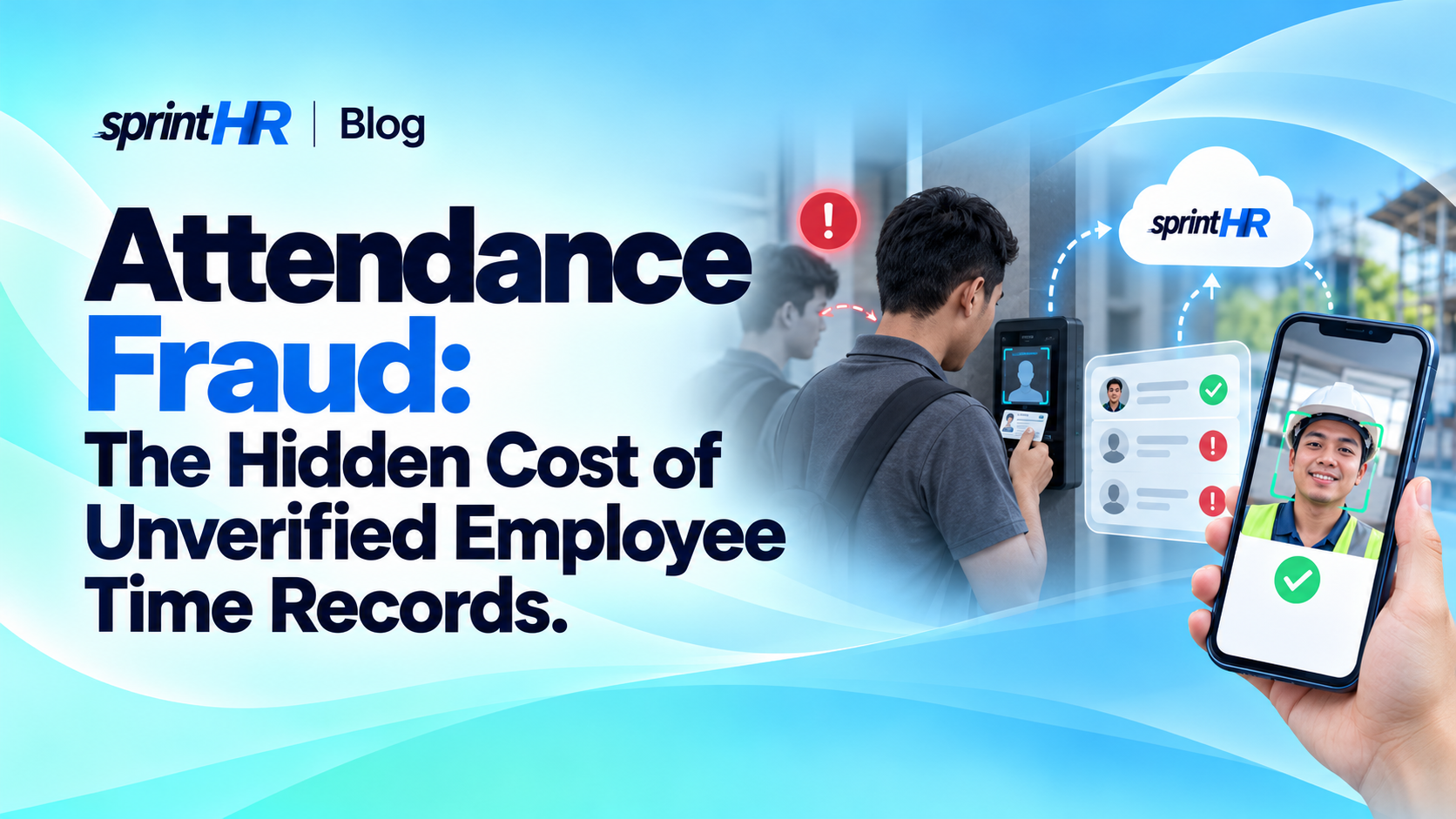
Attendance Fraud: The Hidden Cost of Unverified Employee Time Records
An employee clocks in for a coworker. A timesheet gets adjusted without verification. A worker is marked present even though they haven't arrived at the job site.
Individually, these incidents might seem small. But when they happen repeatedly, they can create unnecessary payroll expenses, unreliable workforce records, and operational problems.
For businesses managing employees across offices, branches, warehouses, and project sites, knowing who actually reported for work is an important part of running daily operations.
And yet, many companies still rely on attendance processes that are difficult to verify.
Some businesses have already invested in biometric attendance devices but continue to manually download logs, transfer files, and prepare attendance reports in Excel.
The challenge isn't simply recording employee time. It's making sure attendance records accurately reflect what happened—and remain reliable from clock-in to payroll.
What Is Attendance Fraud?
Attendance fraud occurs when working hours or attendance records are intentionally misrepresented.
It can take different forms, including:
- Buddy punching: One employee clocks in or out on behalf of another.
- False attendance reporting: An employee is recorded as present despite not reporting for work.
- Unauthorized time adjustments: Attendance entries are changed without proper justification or approval.
- Inflated working hours: A timesheet includes hours that were not actually worked.
- Unverified remote attendance: An employee records attendance from an unauthorized location.
- Attendance log manipulation: Time records are deliberately modified, removed, or misrepresented before being used for payroll.
Not every incorrect attendance record is fraud. Technical problems, forgotten clock-ins, incorrect schedules, and legitimate attendance adjustments can also create discrepancies.
That's why businesses need reliable records and fair verification processes, rather than automatically treating every inconsistency as misconduct.
The Hidden Costs of Attendance Fraud
1. Paying for Hours That Were Never Worked
Imagine an employee regularly records an extra 30 minutes of work each day.
For one employee, the amount might appear insignificant. But multiplied across several employees and payroll periods, even small inaccuracies can become costly.
Consider a simple example:
A business has 50 employees. If 10 employees each record 30 minutes of unworked time per day, across 22 working days, that represents 110 hours of inaccurately recorded paid time per month.
At an illustrative labor cost of ₱100 per hour, that's ₱11,000 per month, or ₱132,000 annually.
This is only an example, not an estimate of typical attendance fraud or a prediction of actual losses.
The point is simple: small timekeeping inaccuracies can become meaningful when they accumulate.
How SprintHR helps:
SprintHR supports digital attendance tracking and organized time records, helping authorized HR teams review employee attendance before payroll processing.
With attendance and payroll information managed through connected workflows, businesses can reduce dependence on manually transferred timesheets and identify records that need verification.
2. Buddy Punching Can Make Attendance Records Unreliable
Suppose an employee arrives late and asks a coworker to clock in on their behalf.
The attendance system may show the employee arrived on time, even though they were not physically present.
Traditional punch cards, shared attendance devices, and handwritten logbooks can make this behavior difficult to detect when there are limited identity-verification controls.
For businesses that require employees to report to specific workplaces, simply knowing that someone recorded a time entry may not provide enough assurance.
How SprintHR helps:
SprintHR provides supported mobile attendance capabilities, including location-related verification, photo capture, and geofencing.
These controls can help businesses establish clearer attendance procedures and provide additional information for reviewing recorded clock-ins.
Businesses can also use SprintHR-recommended, compatible biometric attendance devices to support employee identity verification.
No technology eliminates every possibility of misuse. However, combining appropriate verification controls with management oversight can make attendance reporting more accountable.
3. Manually Downloading Biometric Logs Creates Opportunities for Tampering
Using a biometric attendance device is already a step toward improving employee timekeeping.
But what happens after employees clock in?
In some businesses, HR personnel still need to physically access the biometric device, download attendance logs using a USB drive or computer, and manually import the records into Excel or payroll software.
This creates another potential problem.
When attendance records pass through multiple files and manual processes, there may be opportunities for unauthorized changes, missing entries, or accidental errors.
For example:
- Attendance logs may be modified before they reach the payroll system.
- Some time entries may be accidentally deleted or excluded during file preparation.
- HR teams may spend hours downloading and consolidating records from multiple devices.
- Management may not have timely visibility into attendance across branches or project sites.
Even when employees use biometric verification, the process of transferring and preparing attendance data can introduce unnecessary risks.
How SprintHR helps:
SprintHR supports integration with recommended biometric attendance devices that automatically synchronize attendance logs directly with SprintHR.
Instead of manually downloading files and importing them into spreadsheets, businesses can use supported devices to transfer employee time records automatically.
This provides several important advantages.
Automatic attendance synchronization
Employee time records from compatible biometric devices are synchronized with SprintHR without requiring HR personnel to repeatedly download and import attendance files.
Reduced opportunities for manual tampering
By removing manual file transfers, businesses can reduce opportunities for attendance records to be altered during downloading, editing, or importing.
Less administrative work
HR teams can spend less time collecting attendance logs and consolidating spreadsheets from multiple biometric devices.
Better attendance visibility
Authorized managers can review synchronized attendance information in SprintHR, making it easier to identify discrepancies and monitor employee attendance across locations.
A more connected payroll process
Synchronized attendance records can support SprintHR's workforce management and payroll workflows, reducing repetitive data entry and helping teams prepare payroll more efficiently.
With compatible biometric devices and automatic synchronization, businesses can establish a more reliable attendance process while reducing manual work.
Automatic synchronization does not make records completely tamper-proof. Proper device configuration, access controls, and regular record reviews remain important.
The real advantage is that businesses no longer need to rely on manually downloaded biometric logs as the routine connection between attendance devices and payroll.
4. Multiple Branches and Project Sites Create Visibility Gaps
Consider a construction company with workers assigned to different job sites.
Or a retail business operating several branches.
Management needs to know whether employees reported to their assigned locations, but each site may have a different supervisor or reporting process.
When attendance information is collected through messages, paper forms, manually submitted spreadsheets, or separately downloaded biometric logs, head office may not see problems until days later.
This can affect staffing decisions, payroll preparation, and operational planning.
How SprintHR helps:
SprintHR supports attendance monitoring and employee scheduling across different work locations.
Authorized managers can review available attendance records and employee schedules through a centralized workforce management system.
For businesses using supported biometric devices with automatic synchronization, attendance records can be transferred to SprintHR without requiring every branch to manually submit downloaded files.
Combined with supported mobile attendance features, this gives businesses more options for managing employees across offices, branches, and project locations.
It also provides a more consistent way to review timekeeping information across locations.
5. Unauthorized Adjustments Can Affect Payroll Accuracy
Not all attendance problems happen during clock-in.
Sometimes, discrepancies arise when attendance records are modified afterward.
An employee may request a correction for a missed clock-in. A supervisor may need to approve overtime. HR may need to adjust a schedule-related entry.
These are legitimate business activities.
But when adjustments are made without clear authorization or supporting records, businesses can struggle to distinguish valid corrections from questionable changes.
How SprintHR helps:
SprintHR supports organized employee attendance records and approval workflows.
By defining who can review and approve employee requests, businesses can establish clearer responsibilities.
Where supported audit information is available, it can also help authorized administrators investigate changes and review attendance-related activity.
Automatically synchronizing logs from compatible biometric devices can reduce the need to manually edit downloaded files before attendance information reaches the system.
The objective isn't to prevent legitimate corrections. It's to make the correction process transparent and accountable.
6. Inaccurate Attendance Records Can Lead to Payroll Disputes
Attendance information is often connected to salary calculations, overtime, late deductions, and other payroll components.
When the underlying records are inaccurate, payroll results can be affected.
For employees, this may mean incorrect payments or unnecessary disputes.
For HR teams, it creates additional work reviewing logs, checking schedules, and resolving complaints before or after payroll release.
And for management, repeated payroll discrepancies can weaken trust in internal processes.
How SprintHR helps:
SprintHR connects attendance information with payroll-related workflows.
Instead of manually downloading biometric logs, transferring information between spreadsheets, and recalculating attendance records, payroll teams can work with more organized information from supported attendance sources.
This can reduce repetitive administrative work and help teams identify discrepancies before processing payroll.
Final verification and approval remain with authorized personnel.
Preventing Attendance Fraud Without Creating a Culture of Distrust
Attendance controls should protect both the business and its employees.
The goal isn't to assume everyone is dishonest. It's to make sure time records are accurate, corrections are handled fairly, and employees understand the rules.
Here are practical steps businesses can take:
-
Establish a clear attendance policy. Explain when and where employees must record their time, how missed punches are corrected, and who can approve adjustments.
-
Use appropriate verification methods. Consider supported location verification, photo capture, or biometric devices where necessary and proportionate.
-
Automate biometric attendance synchronization. Choose compatible attendance devices that can transfer time records directly to your workforce management system, reducing dependence on manually downloaded files.
-
Limit attendance-editing permissions. Allow only authorized personnel to approve corrections and maintain records of relevant changes.
-
Review unusual attendance patterns. Repeated identical clock-ins, frequent manual adjustments, or inconsistent work-location records may warrant review—not automatic accusations.
-
Connect attendance review with payroll. Resolve relevant discrepancies before payroll cutoff instead of relying on corrections afterward.
-
Respect employee privacy. Explain what information is collected, why it is necessary, who can access it, and how long it will be retained.
For businesses operating in the Philippines, attendance verification and related personal-data processing should follow applicable privacy requirements, including the Data Privacy Act and guidance from the National Privacy Commission.
Verification controls should be proportionate to business needs and implemented with appropriate safeguards, particularly when biometric information is involved.
Why Connected Workforce Management Matters
An attendance system becomes more useful when it's connected to the rest of your workforce operations.
Consider the difference.
With disconnected processes, an employee clocks in through a biometric device, HR downloads attendance logs, a supervisor reviews overtime through messages, attendance reports are prepared in Excel, and payroll calculations happen somewhere else.
Every transfer introduces another opportunity for delays or mistakes.
Now imagine a more connected approach.
An employee records attendance using a supported mobile or biometric method.
A compatible biometric device automatically synchronizes time records with SprintHR.
Authorized managers review employee attendance, schedules, and requests through a centralized workforce management system.
HR teams can then use organized attendance information to support payroll preparation.
Less manual downloading. Fewer disconnected spreadsheets. Better attendance visibility.
That is the approach SprintHR aims to support.
Rather than spending every payroll cycle collecting information from separate sources, HR teams can focus more of their attention on reviewing records, resolving discrepancies, and supporting employees.
Better Attendance Visibility Starts With Better Processes
Attendance fraud is not always obvious.
Sometimes it involves deliberate manipulation. Other times, what initially appears suspicious turns out to be a process problem, an incorrect schedule, or a legitimate attendance correction.
Businesses need enough visibility to make that distinction fairly.
Whether you're managing a small team, several retail branches, or employees working at multiple project locations, reliable attendance processes can help protect payroll accuracy and improve accountability.
SprintHR helps businesses achieve this through digital attendance tracking, connected workforce management, and automatic attendance synchronization from supported biometric devices.
For businesses still manually downloading biometric logs and consolidating attendance records in Excel, moving to a connected system can be an important step toward reducing administrative work and strengthening record reliability.
Because managing employee attendance shouldn't depend entirely on trust in handwritten logs, scattered messages, or spreadsheets.
It should be supported by reliable information, appropriate verification, and clear processes.
Ready to Improve Attendance Visibility?
Still downloading biometric attendance logs manually?
Discover how SprintHR can help your business reduce manual attendance work, improve timekeeping visibility, and streamline payroll preparation.
Ask about SprintHR-recommended biometric devices that support automatic attendance synchronization.
Explore SprintHR and Book a Demo: https://sprinthr.com/demo
Connecting People. Simplifying Work. Empowering Growth.